How to reset a garage door opener after a power outage
Power outage left your garage door opener dead? Here's the exact reset sequence Tampa homeowners use to get the door moving again in under 15 minutes.
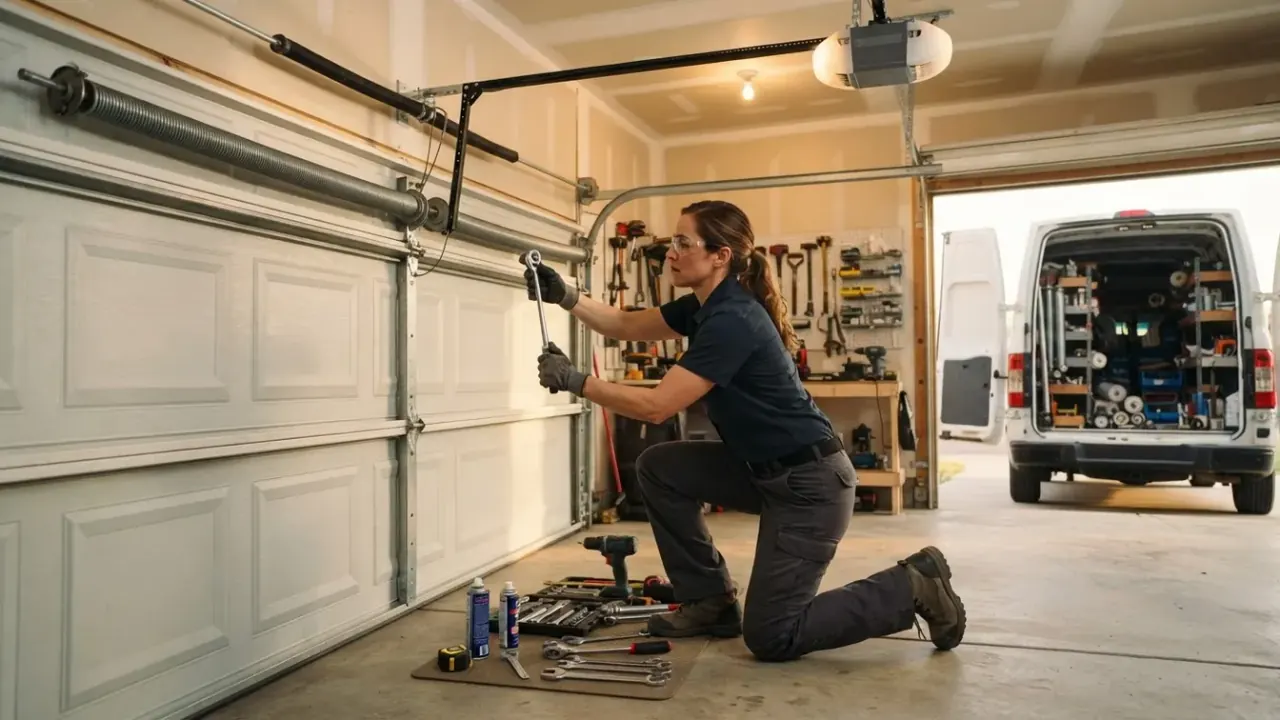
Unplug the opener for 30 seconds, plug it back in, then press and hold the wall control button for 5 to 10 seconds until the light stops blinking. That single sequence clears the fault memory on most openers built after 2010 and gets the door moving again. If the door still won't respond, the problem is usually the safety sensors or a tripped breaker, not the opener itself. Below is the full reset procedure we run on Tampa service calls, plus the model-specific steps for LiftMaster, Chamberlain, Genie, and Craftsman units.
We're garage door repairs Tampa Fl, and we handle these calls across Hillsborough County every week, especially after the summer storm season when grid power flickers three or four times in an afternoon. Most of the time you can fix this yourself in 15 minutes. Sometimes you can't, and we'll tell you exactly where that line is.
Why your garage door opener stops working after an outage
A garage door opener is a logic board that runs on 120-volt household current, and when that current cuts out mid-cycle, the board loses its position memory. The motor doesn't know if the door is open, closed, or halfway up. Until you clear that state, the opener refuses to move.
Three things happen during a Tampa outage that most homeowners never connect to the dead opener:
- Brownouts before the blackout. TECO grid power often sags to 90-100 volts for a few seconds before it drops. That partial voltage can scramble the board's memory without ever fully powering it down.
- Surge on restoration. When power comes back, the inrush can spike past 130 volts. Openers with no surge protection on the outlet take that hit straight to the logic board.
- Safety sensor misalignment. A power blink resets the photo-eye circuit. If a leaf, a trash can, or a slightly bumped bracket moved one sensor, the opener reads "obstruction" and won't close.
None of those are the opener's fault, and none of them require a new opener. They require a reset.
The 6-step reset sequence that works on most openers
This sequence works on roughly 80% of the openers we see in Tampa homes built between 1995 and 2020. Do the steps in order. Skipping ahead is the single most common reason a reset fails.
- Kill the power at the source. Unplug the opener from the ceiling outlet. If it's hardwired, flip the breaker labeled "garage" in your panel. Wait a full 30 seconds - not 5, not 10. The capacitor needs time to drain.
- Check the breaker and GFCI. While the opener is unplugged, look at the outlet. If it's a GFCI, press reset. If the breaker tripped, reset it now, before you plug anything back in.
- Restore power and watch the light. Plug the opener back in. Most units flash the light bulb 4 to 5 times and click once. That click is the board booting up.
- Press and hold the wall control. Hold the main button on the wall panel for 5 to 10 seconds. On LiftMaster and Chamberlain units, the light stops blinking and the opener beeps. Release.
- Re-engage the emergency release. If the door was manually opened during the outage, pull the red cord down and back toward the door until it clicks. The trolley has to be reconnected to the carriage before the motor can move anything.
- Test the door with the wall control first. Not the remote. Not the keypad. The wall button. If the door moves from the wall control but not the remote, the problem is the remote, not the opener.
If the door runs smoothly through one full open-and-close cycle after step 6, you're done. Reprogram your remotes and keypad only if they stopped working.
How do I reset a LiftMaster or Chamberlain opener after a power outage?
LiftMaster and Chamberlain openers - which share the same parent company and the same logic boards - reset by holding the wall control button for 6 seconds until the opener beeps once and the light turns solid. That beep confirms the board cleared its fault log.
Two model-specific quirks worth knowing:
- MyQ-enabled units (2013 and newer). After a power outage, the Wi-Fi module reboots separately from the opener. Give it 2 to 3 minutes to reconnect to your router before you assume the app is broken. If it still shows offline after 5 minutes, hold the yellow learn button on the back of the motor for 6 seconds to reset the Wi-Fi radio, then re-add the opener in the MyQ app.
- Units with battery backup. If your opener has a backup battery (common on LiftMaster 8500 and 8550 models), the opener may not have fully died during the outage. Unplug it, then disconnect the battery lead for 30 seconds before reconnecting. Otherwise the board never truly powers down and the reset won't take.
If your opener is older than 2005 and the reset doesn't hold - meaning it works for a day and then dies again - the logic board is failing. That's a garage door opener repair in Tampa we handle with a board swap, usually in under an hour.
How do I reset a Genie or Craftsman opener after a power outage?
Genie and Craftsman openers reset differently: press and release the wall control button once, wait 3 seconds, then press and hold it for 10 seconds until the opener clicks twice. The double-click is the confirmation.
Genie units built after 2015 also have a "vacation lock" mode that engages automatically after certain power events. If your wall control has a lock icon lit up, hold that button for 4 seconds to disengage it. The opener will not respond to remotes while vacation lock is on - a detail that sends plenty of Tampa homeowners to the phone thinking their opener died.
Craftsman openers made before 2010 (the 1/2 HP chain drive models) sometimes need the limit switches re-set after a hard outage. If the door stops 6 to 12 inches short of the floor or reverses before it fully opens, the travel limits drifted. That's a manual adjustment on the side of the rail - turn the "down limit" screw a quarter turn at a time until the door seats properly.
What to do when the reset doesn't work
If you've run the full sequence and the opener still won't move, the problem is almost never the opener. It's one of four things, and you can check all four in about 10 minutes.
Check the safety sensors first
Look at the two photo-eye sensors mounted 4 to 6 inches off the floor on each side of the door. Each one has a small LED. Solid on both sides means they're aligned. Blinking, off, or one solid and one blinking means the circuit is broken.
Wipe both lenses with a dry cloth. Tampa humidity fogs them, and spider webs across the lens are a weekly call for us. Then loosen the wing nut on the sensor bracket and aim the sensor until both LEDs go solid. Tighten it back down.
Check the wall control wiring
A power surge can loosen the low-voltage wire at the wall control terminals. Pop the wall panel off, check that the two wires are seated under the screws, and tighten them. A loose wire reads to the board as a stuck button.
Check the emergency release
If the red cord is hanging down and the trolley is disconnected from the carriage, the motor will run but the door won't move. Pull the cord toward the door until you hear the carriage click into the trolley. Then run the door from the wall control.
Check the capacitor
On openers 8 years and older, the start capacitor can fail during a surge. The symptom is a humming motor that doesn't move the door, or a motor that clicks once and stops. That's a $15 part and a 20-minute job for a technician - not something to attempt if you're not comfortable working inside the opener housing with the power on.
If your door came off the tracks during the outage - which happens when someone manually forces a door that's still locked to the trolley - that's a different repair. A garage door off track repair in Tampa involves resetting the rollers in the track and re-aligning the vertical and horizontal rails, and it's not a DIY job. Forcing a derailed door back into the track bends the rails and turns a $150 repair into a $600 one.
Common mistakes we see on Tampa reset calls
We run 15 to 20 opener calls a week across Tampa, and the same four mistakes show up over and over. Avoiding them saves you a service call.
- Pressing the remote instead of the wall control. The remote sends a radio signal; the wall control sends a direct wire signal. If the board is in fault mode, only the wall control will clear it. Test with the wall button first, always.
- Not waiting the full 30 seconds. Ten seconds isn't enough. The capacitor holds a charge that keeps the board's memory alive, and if you plug back in too soon, the fault never clears.
- Repeatedly pressing the button when nothing happens. Every press logs a new fault. After 4 or 5 presses, the board locks out for several minutes. If the door doesn't move on the first press after reset, stop pressing and check the sensors.
- Ignoring the door itself. A door that's binding, squealing, or hard to lift by hand will trip the opener's overload protection within seconds of starting. If you can't lift the door smoothly by hand with the opener disengaged, the opener isn't the problem - the door is. That's usually a garage door spring repair in Tampa, and a broken torsion spring will stop a door cold.
One more thing specific to this area: Tampa's salt air and summer humidity rust opener chains and corrode the photo-eye brackets faster than in drier climates. If your opener is 6 or more years old and lives in a garage with no climate control, an annual garage door tune up in Tampa every spring will catch the corrosion and alignment issues before they strand you.
When to call a professional
Call us when the reset sequence runs clean but the door still won't move, when the opener hums without moving the door, or when you see a snapped cable, a bent track, or a spring that's visibly broken. Those are the four situations where continuing to press buttons makes the damage worse.
We also get called when the opener works but the door reverses halfway down, when the wall control is dead but the remote works, or when the opener beeps and flashes a code you can't find in the manual. All of those are diagnosable in a single visit.
Our technicians carry logic boards, capacitors, sensors, and remotes for LiftMaster, Chamberlain, Genie, Craftsman, and Linear on the truck. Most opener resets and repairs are done in one trip, and we quote the price before we start. If you'd rather not climb a ladder in a Tampa garage in July, that's a reasonable call to make.
Frequently Asked Questions
How long does it take to reset a garage door opener after a power outage?
About 10 to 15 minutes for the full sequence, including the 30-second power-down. If the reset works, you're done. If it doesn't, plan on 10 more minutes to check the safety sensors and the emergency release before deciding whether to call.
Why does my garage door opener lose its settings every time the power goes out?
A failing backup battery or a weak logic board capacitor causes this. Openers with a healthy battery hold their settings through outages. If yours forgets every time, the battery is likely dead or the board is on its way out - a $15 to $40 part on most models.
Do I need to reprogram my remote after a power outage?
Usually no. Remotes store their code in their own memory and reconnect automatically once the opener boots. You only need to reprogram if the remote stopped working before the outage, or if you replaced the opener's logic board during the repair.
Can a power outage damage my garage door opener permanently?
Yes, in about 1 in 10 cases. A surge on power restoration can fry the logic board, the capacitor, or the radio receiver. If the opener won't respond after a full reset and the outlet has power, the board is the likely casualty. Surge protectors on the ceiling outlet prevent most of these.
What if my garage door is stuck open after an outage?
Pull the red emergency release cord to disconnect the door from the opener, then lift the door by hand and lower it gently to the closed position. Don't force it if it won't move - a stuck door usually means a broken spring or a derailed roller, and forcing it bends the track.
Get help with garage door repair in Tampa
If you've run the reset and the door still won't cooperate, we can be at your Tampa home the same day. We diagnose the opener, the sensors, and the door itself in one visit and tell you exactly what it needs.
Call garage door repair Tampa at +17739156384 and we'll get your door moving again.